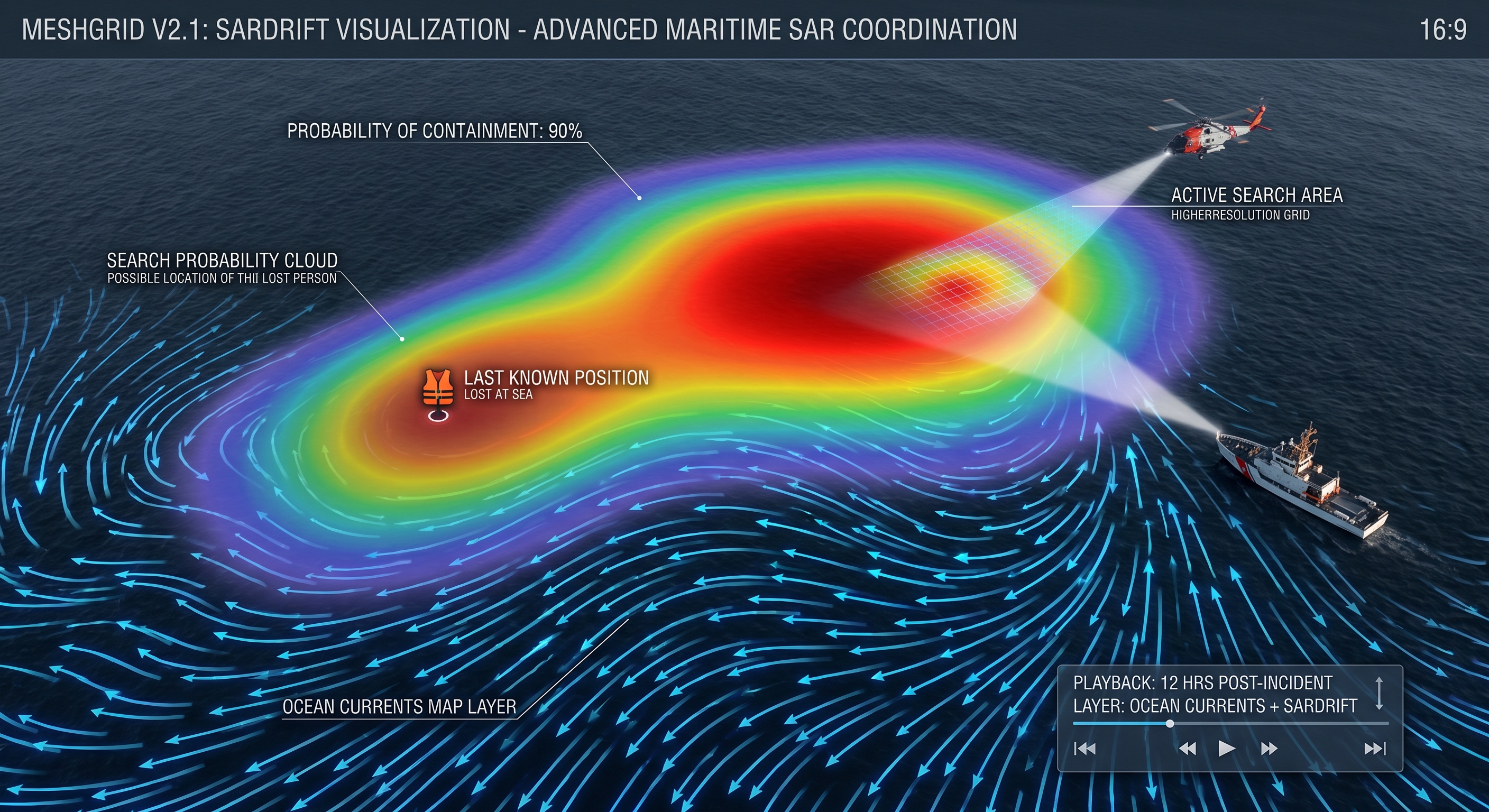
Shared map (no internet needed)
Everyone sees the same picture: teammate positions, messages, and task areas together.
Field operations
Made for small field teams when mobile service or the internet is weak or gone: search and rescue, emergency response, industrial sites, mining, construction, agriculture, rural monitoring, logistics, and maritime work. MeshGrid Node units link wirelessly. Pair your iPhone over Bluetooth to manage positions, messages, and a shared map on one screen.
Radio chatter, maps, and situation reports usually sit in different places. MeshGrid pulls the map, live positions, and team messaging into a single app.
Phones can’t build a long-range mesh network on their own, MeshGrid Node devices do that job in the field. They talk to each other directly. You pair your phone over Bluetooth to a nearby unit and run everything from the app. No cell tower or public internet required.

Map that works offline, team positions, messaging, weather layers, and encrypted links, one flow on one screen. Dig into the technical detail on GitHub.
Everyone sees the same picture: teammate positions, messages, and task areas together.
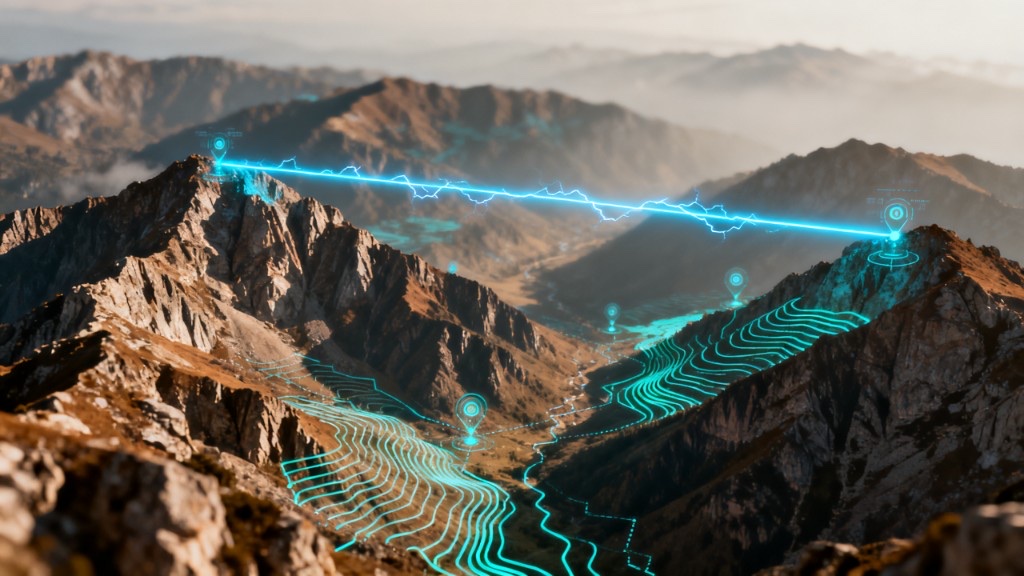
MeshGrid Node units talk directly over RF (LoRa). No base station or internet required.
Movement and updates show up on the map as they happen.
Standard coordinate layers for reports, naming follows the technical docs.
All connections between devices and your phone are encrypted; your data stays protected.
Runs on supported boards and is controlled from the phone app. Details are in the project repo.
Wind, temperature, and cloud context on the map for planning and safety.
Tag traffic by priority: fire, search and rescue, site safety, medical, logistics, and similar.
Mark hazards, rendezvous points, and task status so everyone sees the same overlay.
Deploy MeshGrid Node units for your team; they find each other and form a local mesh. Wiring and firmware steps are in the MeshGrid Node repo on GitHub.
Open the MeshGrid app on iPhone and pair to a nearby unit over Bluetooth. Map and comms are ready to go.
Location sharing and messaging run over your Node network, no GSM or internet required.
MeshGrid Node is not just for search and rescue. It gives small teams beyond reliable coverage a shared map and messaging.

Ideal for dispersed teams and command posts. Track two search sectors or post-disaster assessment units on one map. When roads, power, or towers fail, a self-built mesh and up-to-date positions are critical.
Large plants, open-pit mines, and job sites often lack GSM. Safety, supervisors, and maintenance share position and messages on one map instead of radio queues and scattered apps.
Fields, pasture, and wide land have limited coverage. Spread-out tractor, patrol, or veterinary teams see each other on the map and coordinate without a network.
Warehouse yards, port operations, and coastal or river transits lose connectivity easily. Loading crews, field logistics, or small fleets share container zones and meeting points on the map.
Also used for drills, border security, and temporary missions on the same Node network.
We don’t sell turnkey radios. You source compatible components yourself. We publish MeshGrid Node firmware and technical setup guides on GitHub.
Join the same MeshGrid mesh from ATAK on Android. A dedicated ESP32 node bridges Bluetooth to LoRa; the plugin APK and node firmware are published as prebuilt binaries on GitHub.
Interested in MeshGrid Node? Fill in your details and we will get in touch about pre-orders.
We don’t quote inflated range or speed numbers. The product is built around these ideas:
Download MeshGrid from the App Store. For MeshGrid Node pre-orders, use the form below. For anything else, email us. MeshGrid Node firmware and hardware docs stay on GitHub.
We answer by email. Node firmware and documentation are on GitHub.
News on field operations, mesh networking, and product updates.